
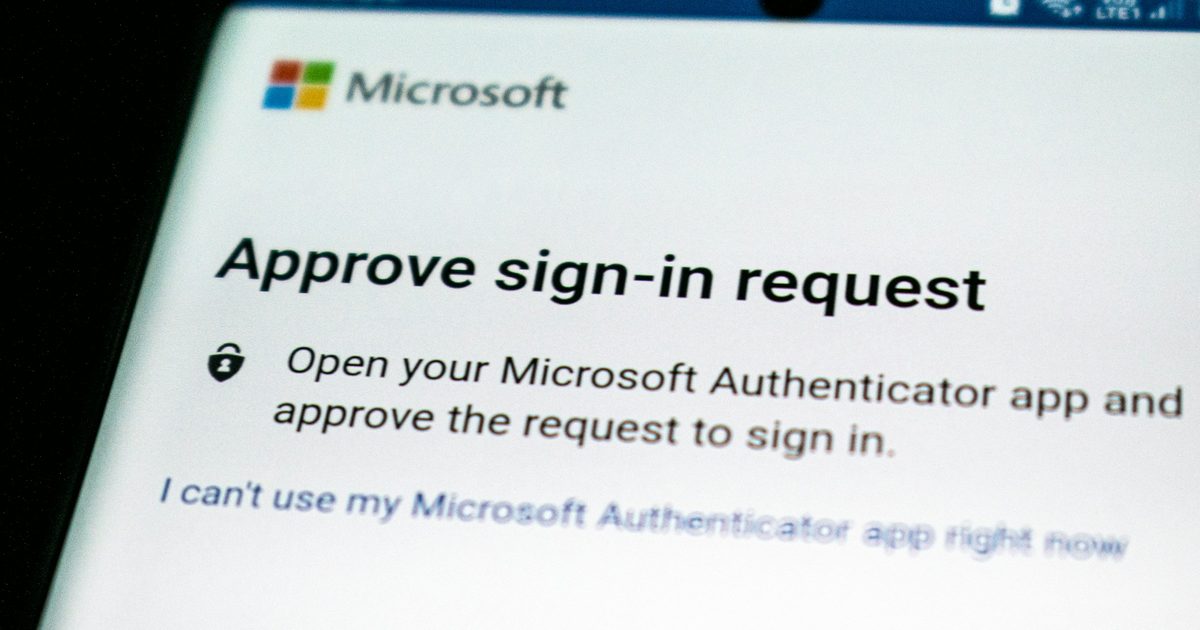
If your people sign in to Microsoft 365 with a code sent by text message, that stops working on 1 February 2027. Microsoft is retiring its own SMS and voice delivery in Entra ID and moving everyone to passkeys.
That much has been covered widely since the announcement. Two things about it have not, and both matter more than the date.
The first change already happened
1 September 2026 has passed. From that date, anyone in your tenant who was enabled for SMS or voice was automatically enabled for passkeys and started getting prompted to register one when they complete MFA.
So this is not a problem waiting until next year. It is prompts appearing on your users’ screens now, in a sign in flow they have used for years without thinking about it. By default those prompts can be snoozed indefinitely, which is why most organisations will not notice anything until February, and why the people who do notice will call you this month asking what the new screen is.
If you would rather not have that arrive unannounced, the fix is a communication, not a project.
Who actually loses access, and who does not
The alarming version of this story says everyone on SMS gets locked out. That is not what Microsoft says, and the distinction is worth being precise about.
After 1 February 2027, in Microsoft’s words, users whose only available MFA method is SMS or voice will be required to register a passkey during sign in. That prompt is blocking. They cannot get to their mailbox until they complete it. There is no opt out, for any tenant.
Read that scope carefully. Somebody who already approves sign ins in the Microsoft Authenticator app is not blocked in February. They lose text messages as a fallback and nothing else. The people who hit a wall are the ones for whom a text message is the only thing registered.
That is usually a much smaller group than the total number of people with a phone number on file, and it is a group you can count today rather than guess at.
Being outside the blocking group is not the same as being fine, though.
“Anyone on Microsoft 365 should already be on some form of multifactor authentication,” says David High, Service Manager at Dynamic Network Solutions. “Texting is just the oldest and weakest version of it. Authenticator is more secure, and it works where a text cannot reach you. It will hand you a code mid air on a plane.”
The part nobody is writing about
Registering a passkey is straightforward for a member of staff with a work smartphone or a modern Windows laptop. Windows Hello covers the laptop. A passkey in the Authenticator app covers the phone.
It is not straightforward for everyone else, and every one of our client types has a version of this problem.
A school district has staff who share a classroom workstation and are not issued a phone, and asking a teacher to put a work credential on a personal handset is a conversation that goes badly and sometimes breaches policy. A county agency may have compliance rules about what can live on a personal device. A nonprofit has part time staff and volunteers with no work phone at all. A business has a warehouse, a front desk, a shop floor, and a set of shared logins that were never really one person’s.
Those are the accounts that will still be on SMS in January, because they are the ones where the obvious answer does not apply. They are also the accounts that are quietest right now, which is exactly why they get missed.
There are real answers for them. A FIDO2 hardware key is a physical object you hand someone, it needs no phone and no personal device, and it is the strongest option on this list. Windows Hello covers anyone with their own Windows machine. And if you have a genuine regulatory or operational reason to keep text messages for a specific group, Microsoft is allowing that through a customer managed telecom provider: the provider options appeared on 18 September 2026 and you can configure one from 30 October 2026.
The catch with hardware keys is procurement. They have a lead time, they have a cost per head, and in the public sector they may need to sit in a budget cycle. That is the reason to identify these people in September rather than January.
What to do this month
Count them. Microsoft publishes a script that lists every user in your tenant still enabled for SMS or voice. Run it, and you have a real number instead of an assumption. You will need global reader, authentication policy administrator, or security reader to do it.
Split that list into two. People who can register a passkey on a device they already have, and people who cannot. The first group is a communication exercise. The second group is the one that needs a decision and possibly a purchase order.
Tell your users before the prompt does. Microsoft publishes end user communication templates. A short, plain message explaining what the new screen is and what to do beats a helpdesk queue every time.
None of that requires hiring anyone. If you want to do it yourself, the Microsoft documentation is good and the script is on GitHub.
Where we come in
If you would rather not work through the list yourself, we run this audit as part of our email and identity security work: finding the SMS only accounts, sorting the ones that need hardware from the ones that just need a nudge, and handling the rollout so February is uneventful.
Either way, the useful thing to do in September is find out how many people this actually affects. Everything else follows from that number.